Fantasy & Pin-Up Character Art
Proudly Human-Made (No AI)
Commission Request Form
Commission Wait List
All prices are in US dollars.
Sketch
Bust $60
Half Body $100
Full Body $160
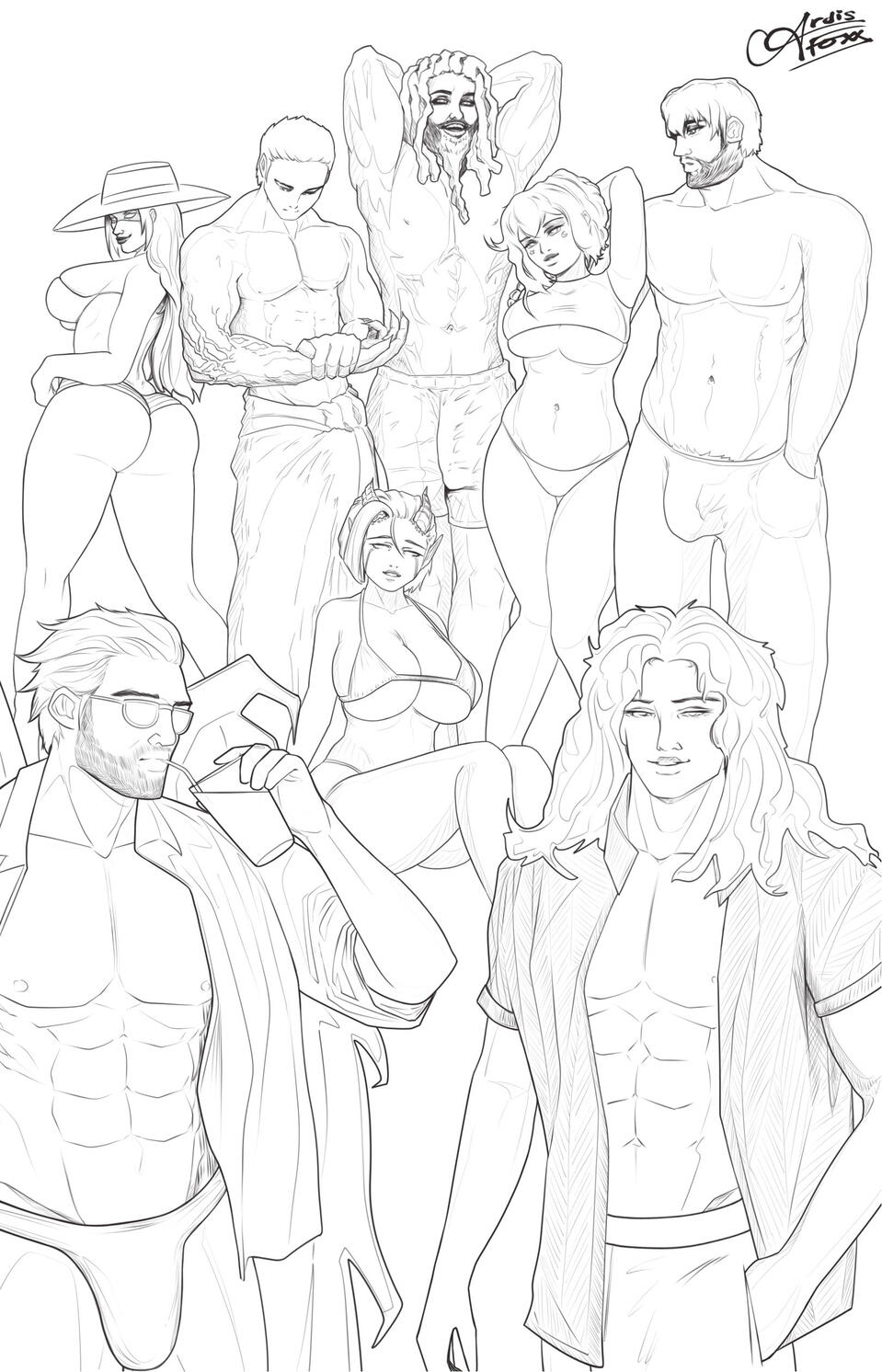
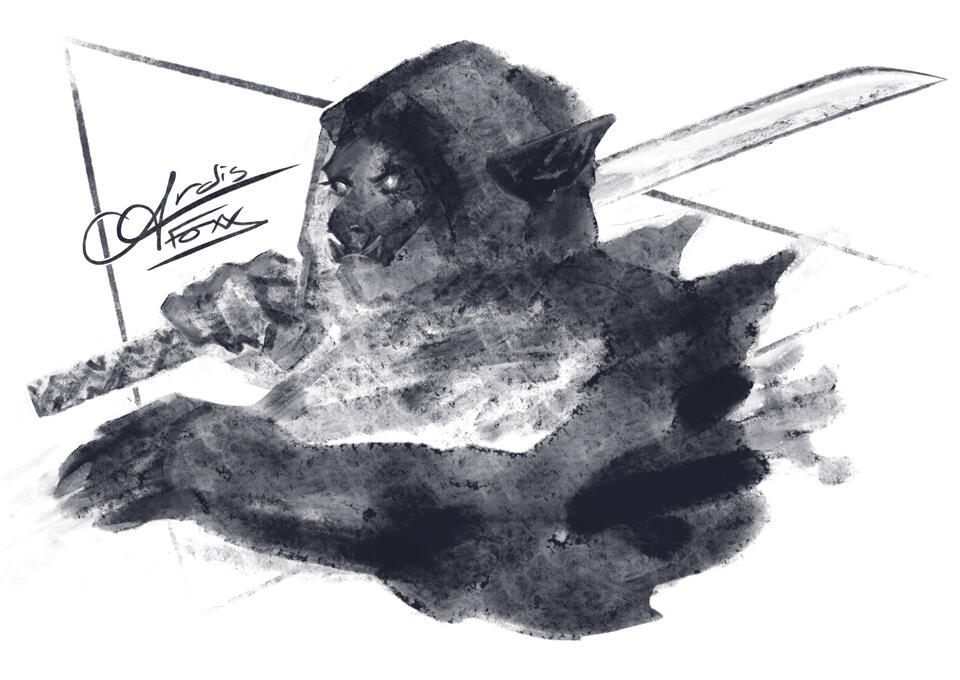
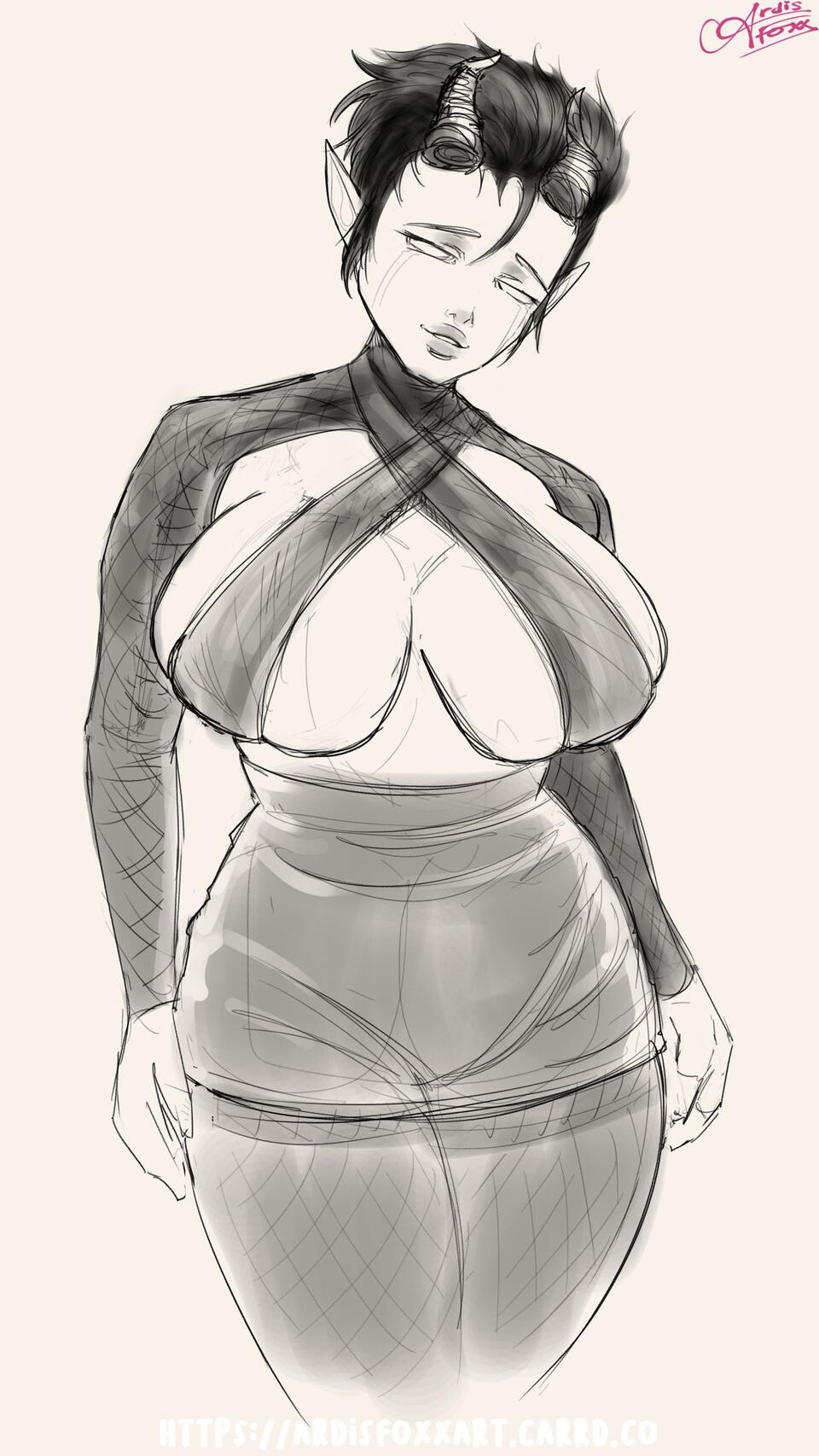
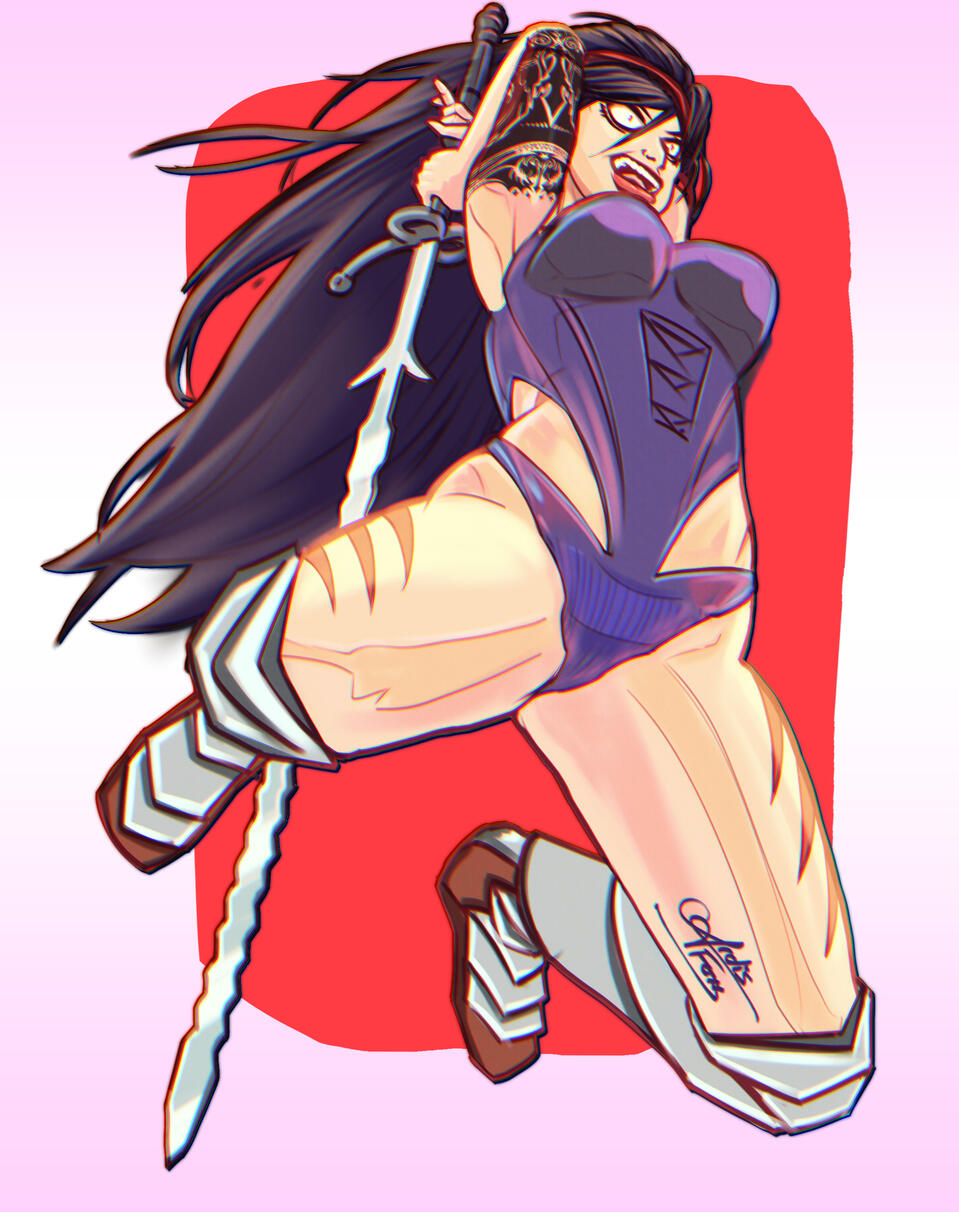
Comes with a pencil sketch and your choice of ONE of the following:
Option A) Upgrade pencil sketch to LINE ART
Option B) Upgrade pencil sketch to CHARCOAL
Option B) Add SHADING to pencil sketch
Option C) Add FLAT COLOUR to pencil sketchRequests for dynamic action poses or complex detail may cost extra.
Illustration
Head Shot $80
Bust $120
Half Body $180
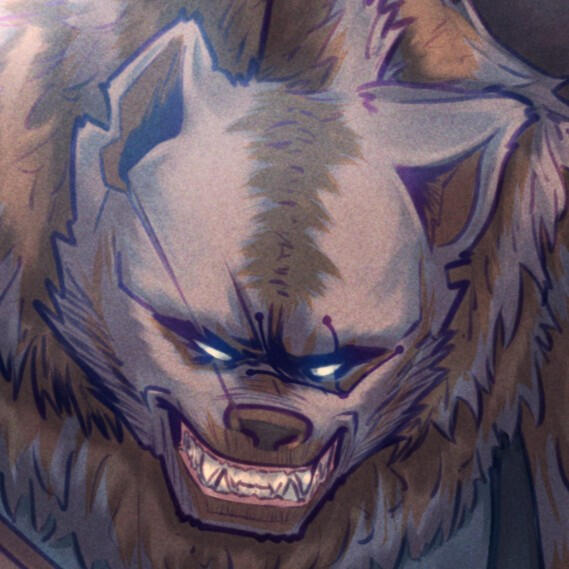
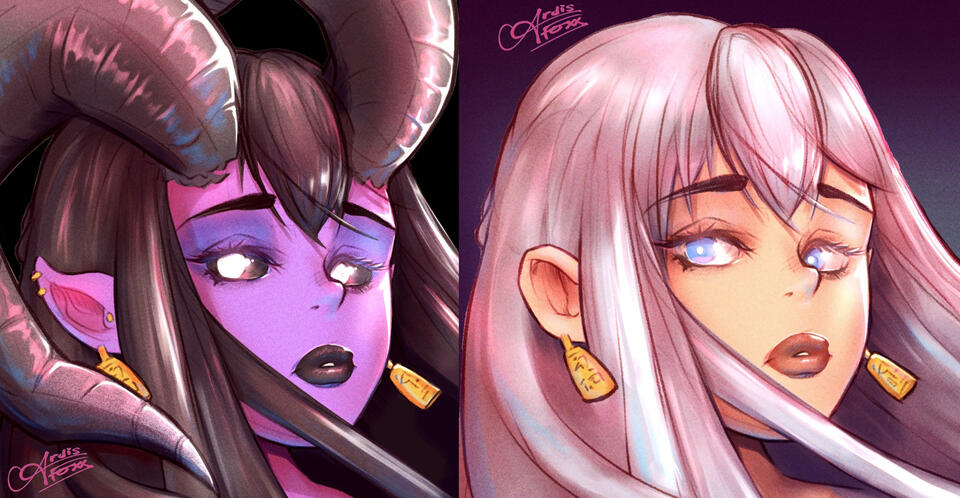
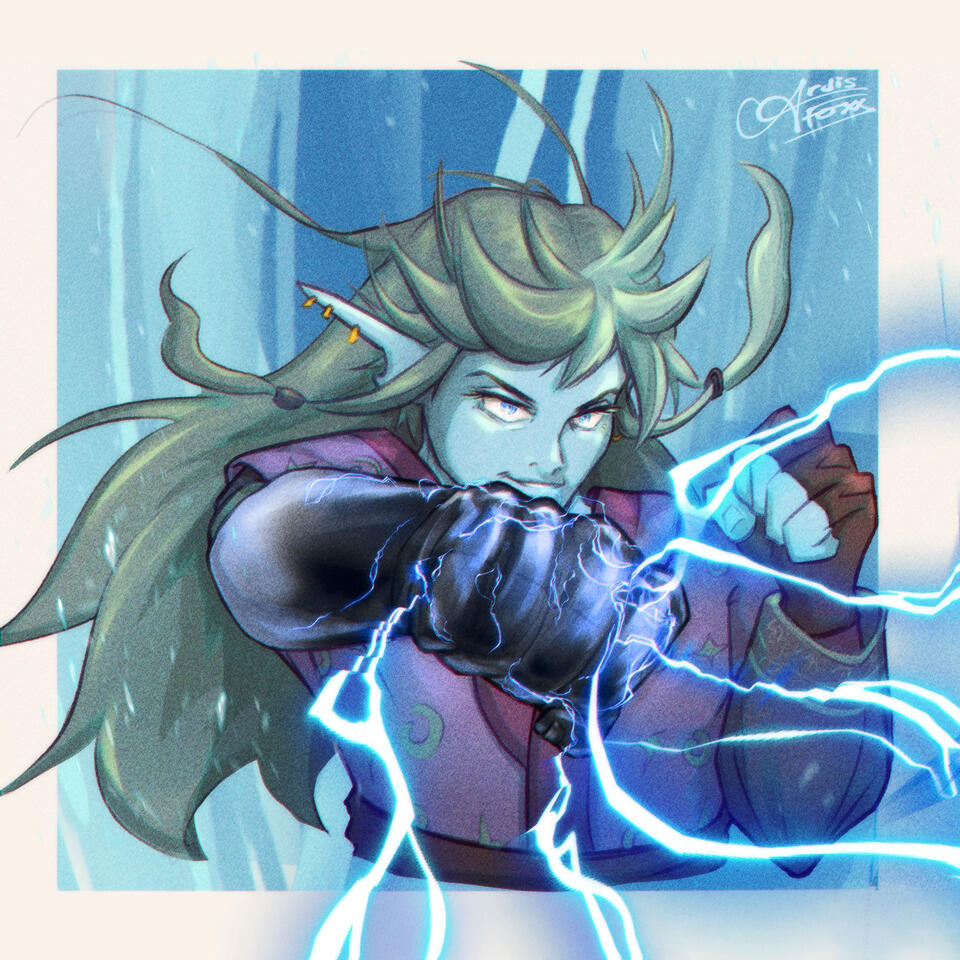
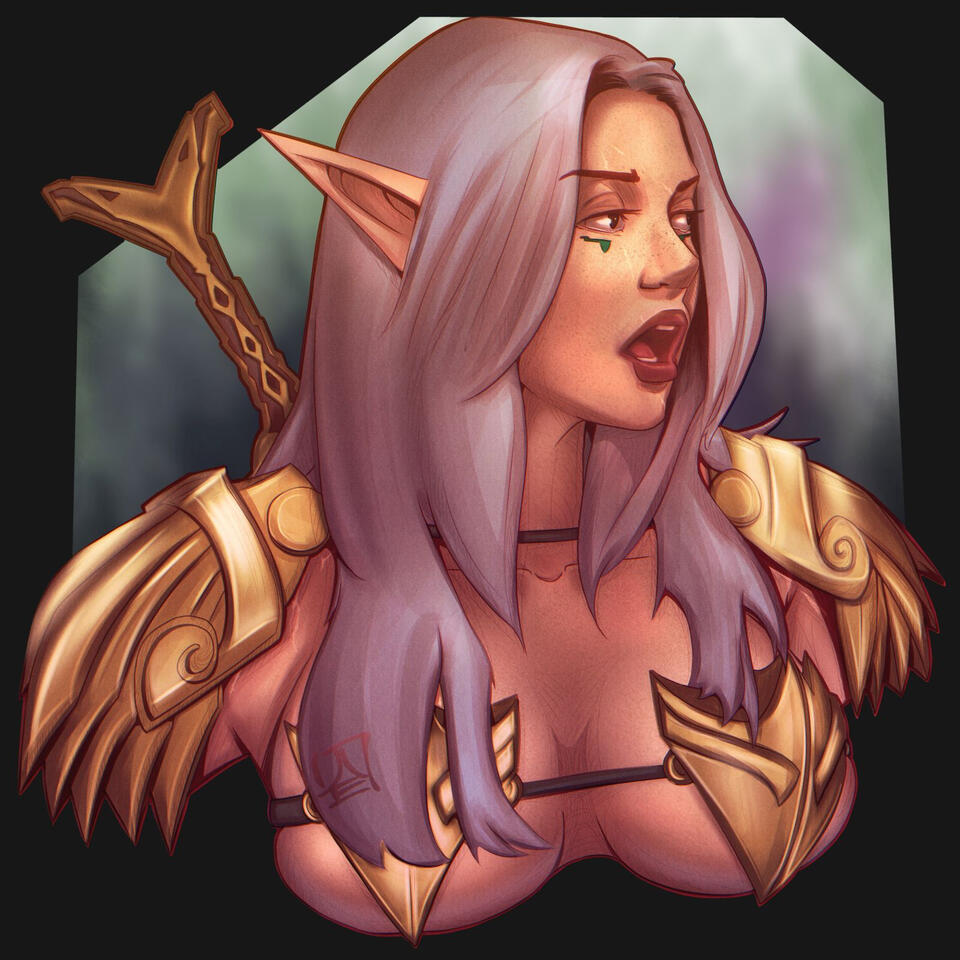
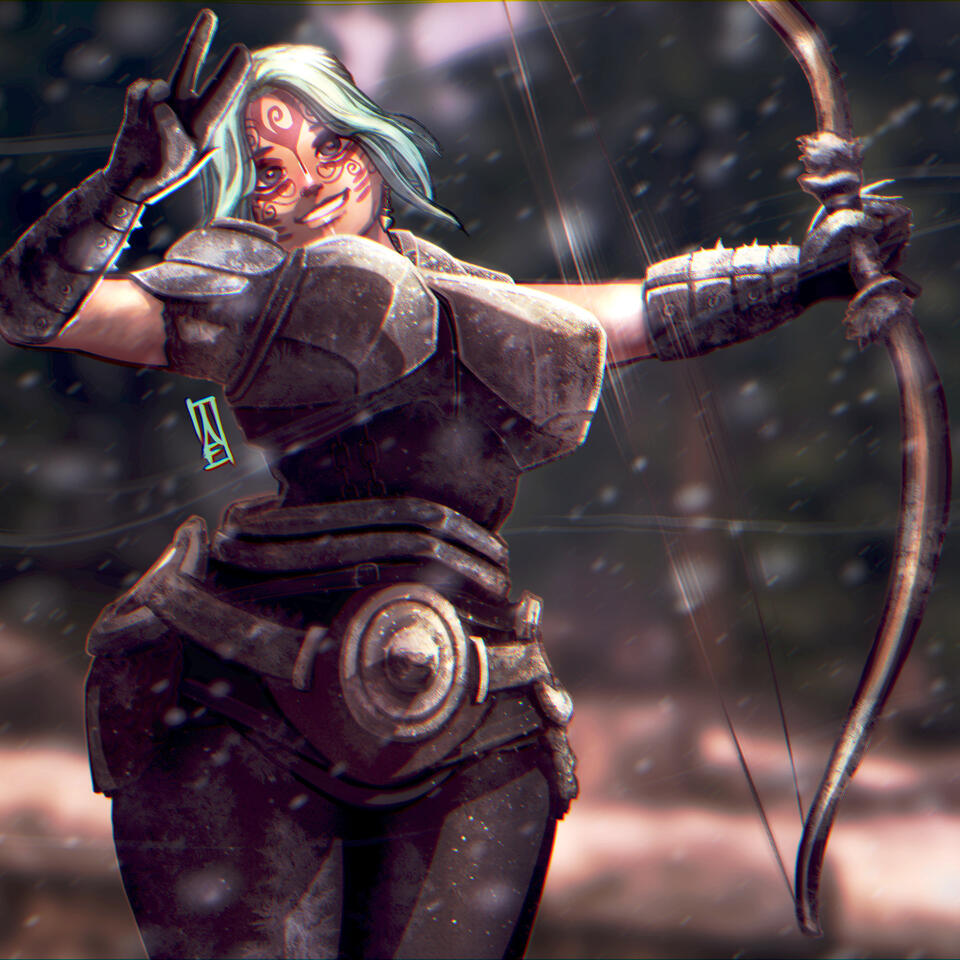
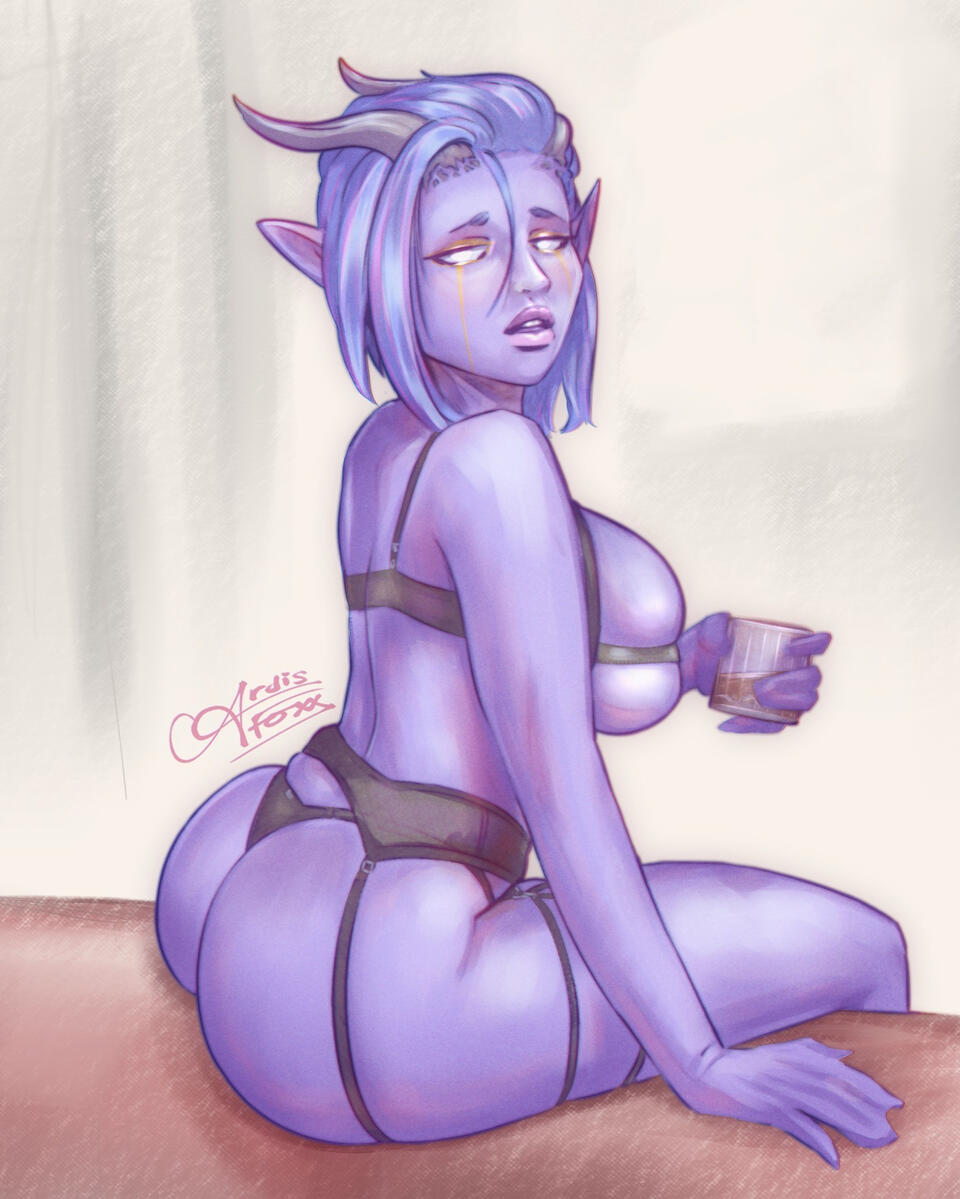
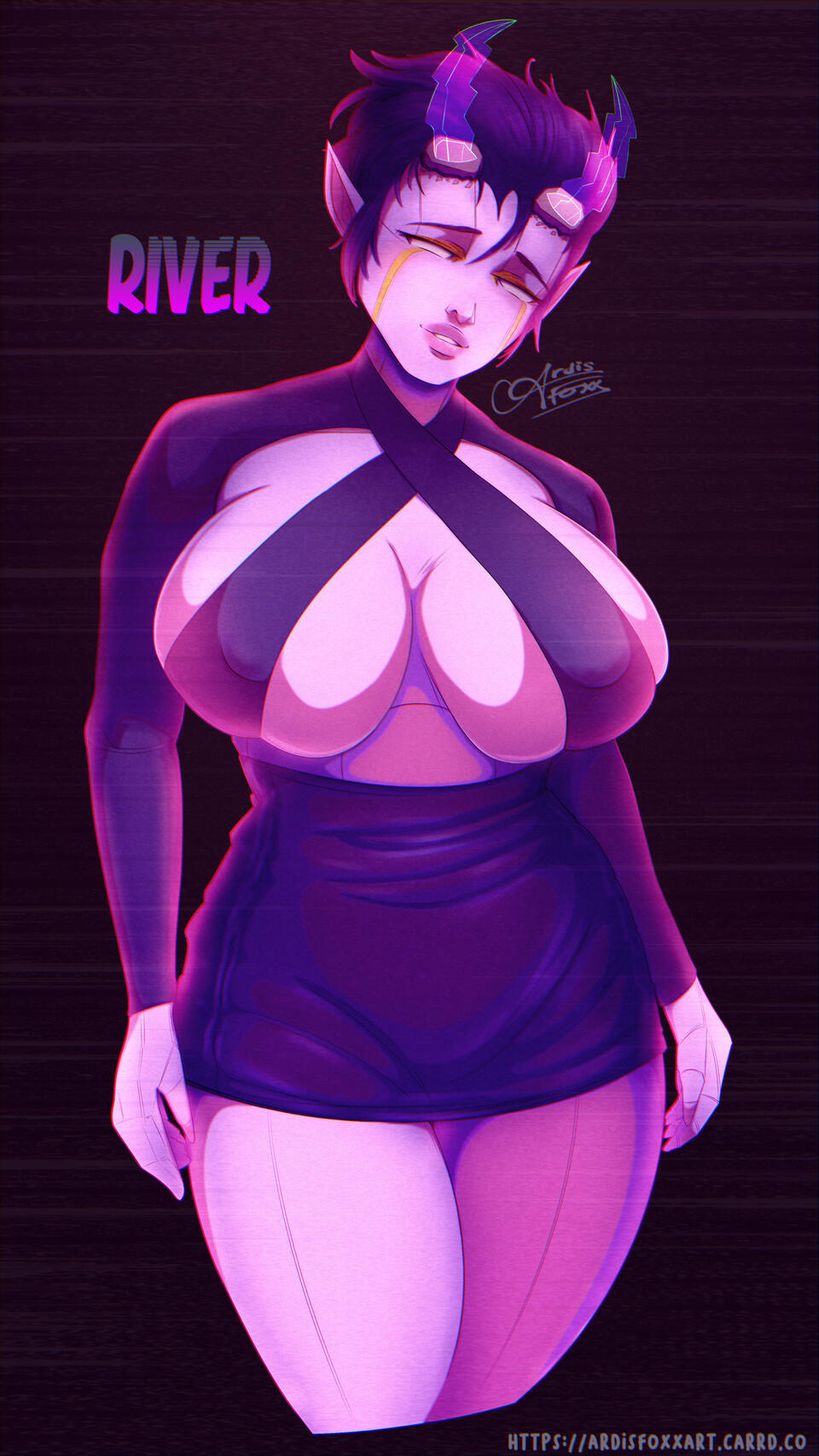
Comes fully shaded and coloured on a basic background.Requests for dynamic action poses or complex detail may cost extra.
Full Page
1-Character $380
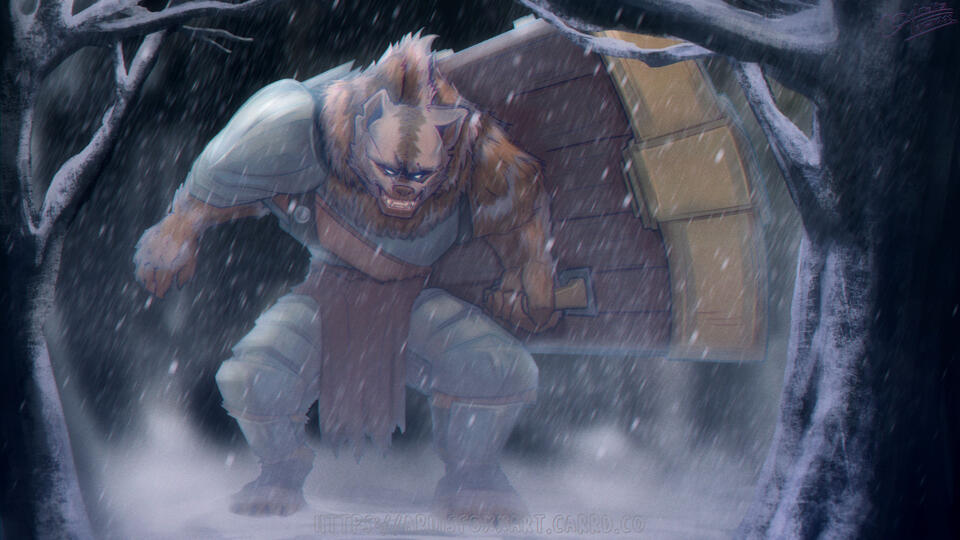
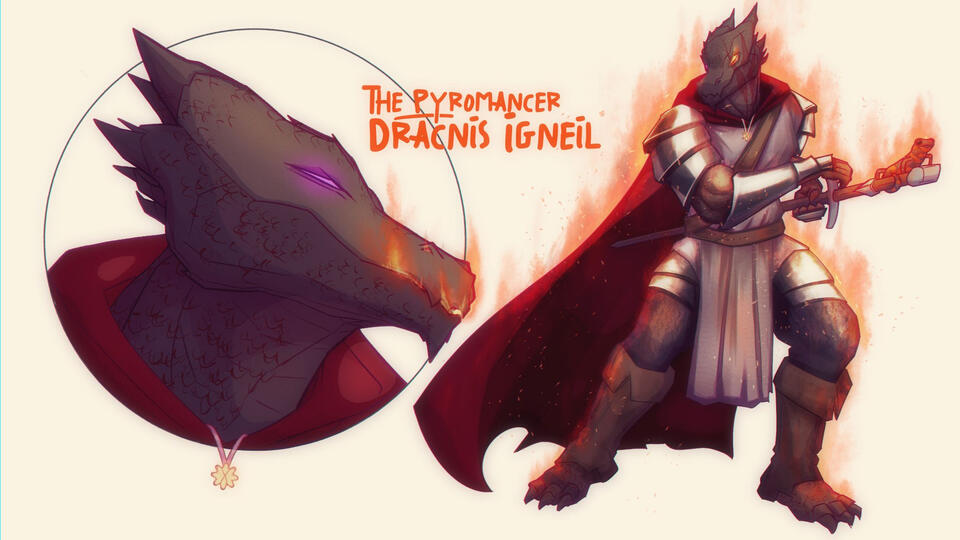
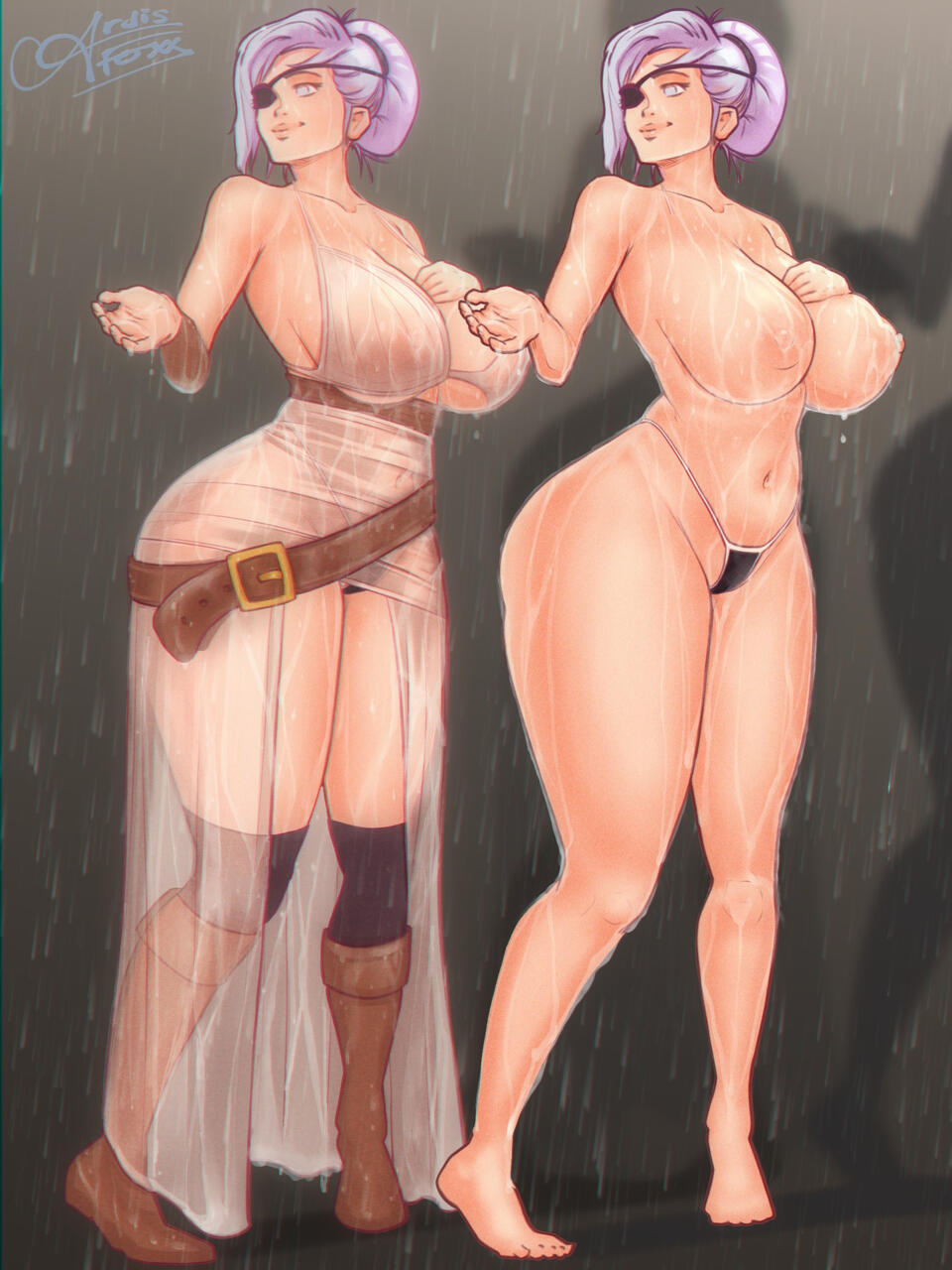
Comes fully shaded and coloured with your choice of ONE of the following:
1) A scenic BACKGROUND
2) An expression HEADSHOT
3) A nude ALTERNATE version
Full Page $990
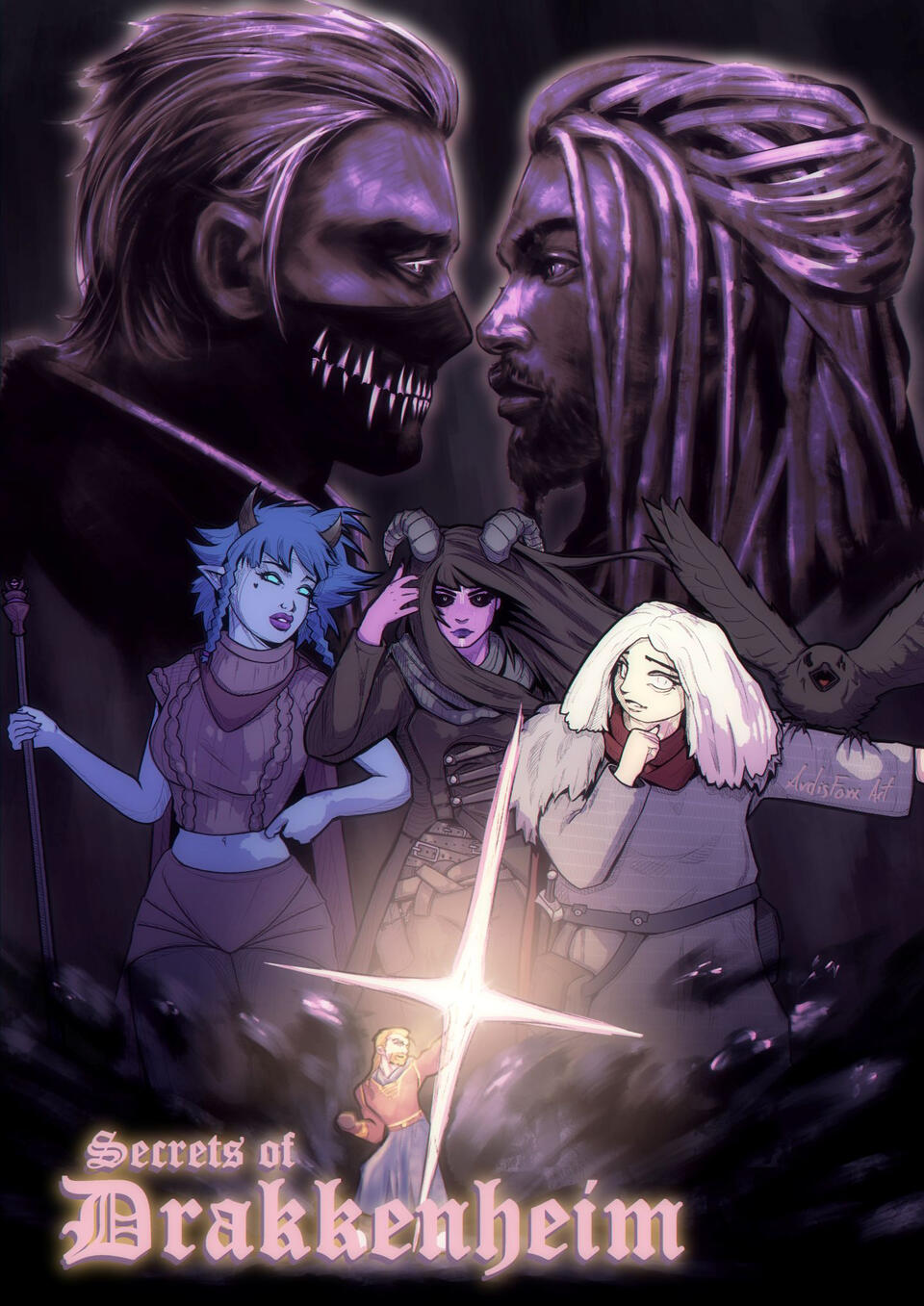
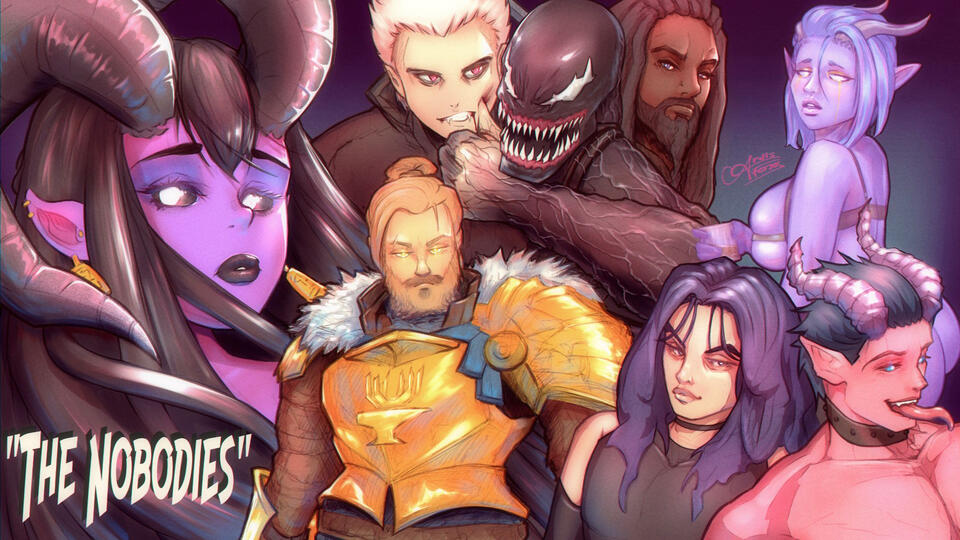
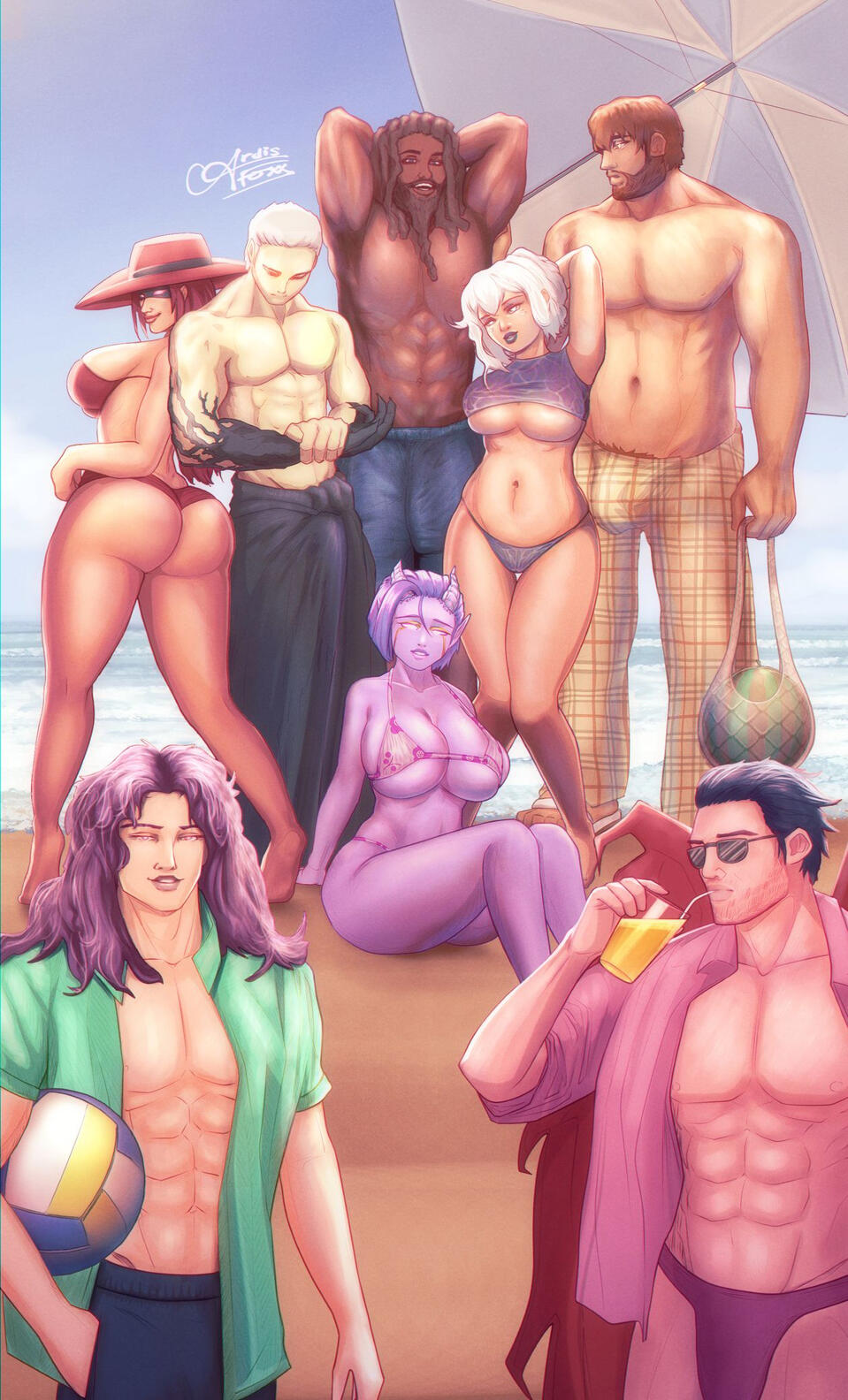
Any number of characters, in any kind of poses, on any kind of background.D&D/TTRPG players often pool their funds to request this tier for commissions of their whole group and a roster of their favourite NPCs, as a book cover or movie poster, often showing detailed depictions of intense moments in their campaign.
Discounts
CHRISTMAS PROMO PERIOD
I run a Christmas Promotion from November 1st until December 25th. All commissions invoiced during this period are discounted by 10%.
Extras and Terms
DELIVERY TIME
Delivery is generally 1 month from payment, but complex commissions can take longer. If there are any other reasons for delay I communicate them. Commissions that require a tighter timeframe (a few days to 1 week) may purchase Rush Delivery at a cost of $50 + 20% of the total commission price.COMMERCIAL LICENSE
Commercial licensing can be negotiated on request.PAYMENT
Full payment is required up front for any single invoiced item before I will start working on it. If you need an alternative payment arrangement please speak to me about it! I'm happy to go over terms that will suit you. I accept payment through either Paypal or bank transfer.PRINTING
All purchases are for digital art. I’m unable to do printing at this time, but I will provide image files that are suitable for use in printing. There are many great online print shops that will print and ship directly to you.REVISIONS
During the sketch stage, there is no limit to the number of allowed revisions/changes to the character’s appearance. I send through wips and communicate during drawing to ensure the sketch direction matches the brief. Once I have started painting the piece, revisions to the character’s appearance or equipment do take me additional time beyond the scope of the commission cost, and this may be billed separately if it adds considerable time to the job.FAQ
Q - How did you learn to draw? Do you have any recommendations for how beginners can get started with digital art?
A - For learning to draw, I recommend Marc Brunet - he has a digital art course online at https://cubebrush.co/mb, which is the largest and most popular art course available on the internet today. He also has great free tutorials on Youtube. Some other good art teachers on Youtube include Sinix Design, Sycra, Marco Bucci, Proko, Aaron Blaise, and Mikey Mega Mega. I'm self taught so everything I know I learned off of Youtube and tutorials basically. ✨
This is the tablet I use, it's pretty huge for a beginner though https://www.huion.com/products/pen_display/Kamvas/kamvas-24-plus.html
I would recommend the Pro 16 as a starter tablet for someone looking to get serious about digital art, its half the price but still a huge step up from the beginner tablets, and lets be honest its a quarter of the price of a cell phone and lasts a lot longer, that's how i think about it 🙂 https://www.pbtech.co.nz/product/KEYHUN3017/Huion-Kamvas-Pro-16-156-inch-Screen-Full-laminatio?qr=pspy
------------
Q - So you use a HUION tablet - have you ever tried Wacom?
A - I've used a Wacom before and honestly I consider them to be market leaders now more out of hype and name recognition than any real superiority in design and performance. The HUION Kamvas Plus 24 has performed better than the equivalent size and resolution WACOM tablet in objective critic reviews, and it costs nearly half (!) the price ✨
In my experience the WACOM I had performed just fine, but without any real improvement, it was not worth the added cost.
If someone had $600-700 to spend on a tablet at PB tech, they could either purchase a 13" WACOM for $690 with a pen and 3 replacement pen nibs, or a 16" HUION for $617 with a pen and 10 replacement nibs, a pen holder, a frictionless art glove and a cleaning cloth.
The HUION comes with a larger screen and has double the pen pressure sensitivity levels (8192 vs the WACOM's 4096).
If you wanted to purchase a WACOM tablet that has the same screen size, pen pressure sensitivity and screen resolution as the HUION Kamvas Pro 16, you'd be purchasing a Wacom Cintiq 16 for $1,329.
And if you were willing to spend $1400 on a Wacom Cintiq 16, then you might as well buy the HUION Kamvas Plus 24. The screen is just massive compared to 16" and it performs very well.
So, yeah imo no contest.
------------
Q - Have you played much with the iPad with Apple Pencil, and any comparisons to draw there?
A - I have a 2024 iPad Pro M4 with a paper screen filter and Apple Pen Pro, and it is extremely fun and easy to use. I use it with Clip Studio Paint because that's the app that I'm used to, and I was able to port all my settings from the PC version. I can sync any piece I'm working on from PC to iPad or back again very easily, so it makes working from anywhere a breeze. Many artists use the Procreate app which is only for iPad, and though I've tried it, i still prefer CSP because of its advanced feature set and the way it supports my own familiar workflow. Frankly I think its crazy that CSP managed to squeeze their fully featured desktop app into an iPad - it looks and works exactly the same as it does on PC. I tend to do sketches on the iPad and finish my art on the PC though, because the mouse and keyboard and increased canvas size makes it easier, but I fully recommend the iPad Pro as a viable art platform for anyone looking at buying just one thing to do art on. It works great.